PicXure
Learn More ↗Paste, Mark Up, Copy
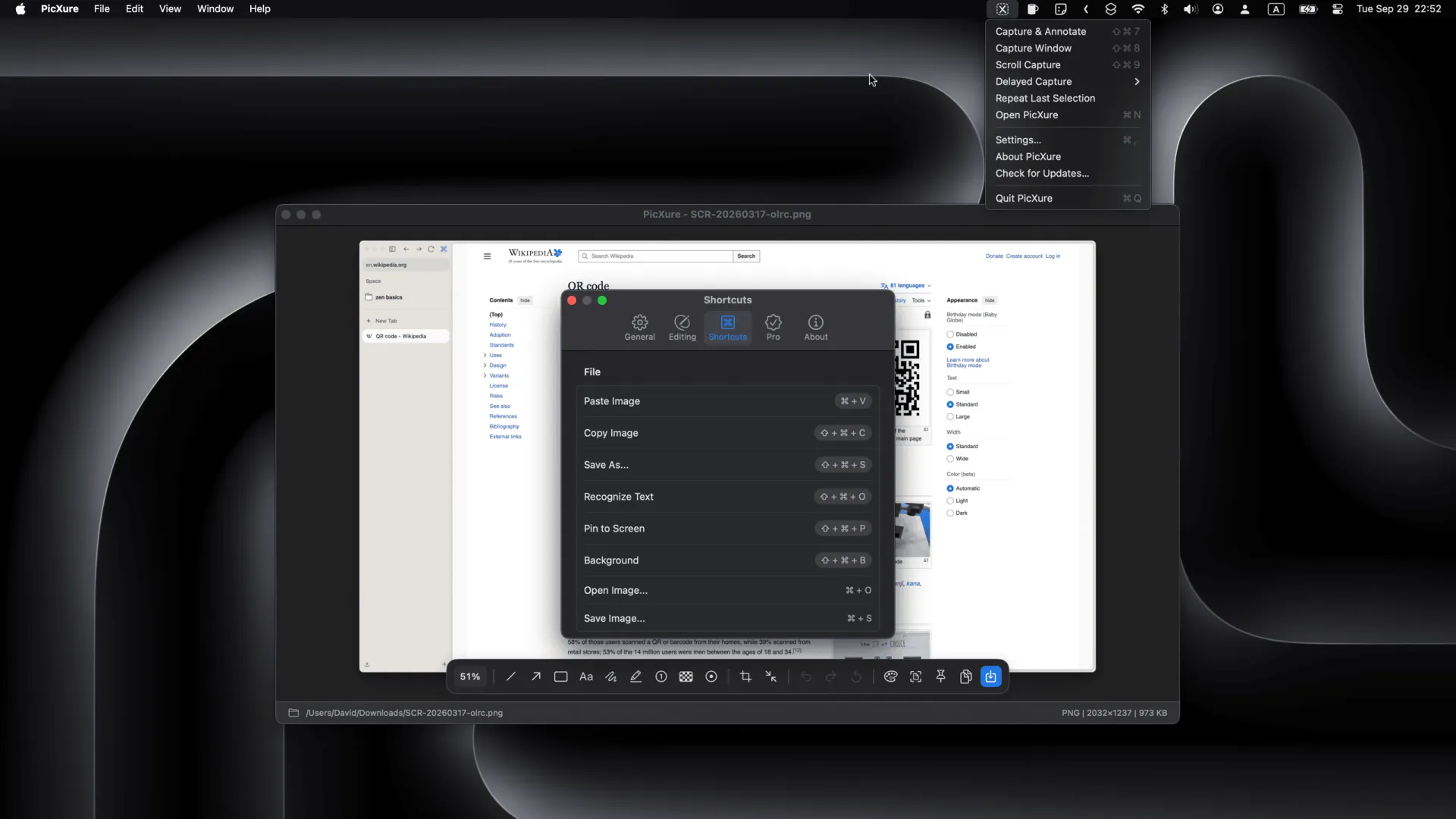
Professional image annotation tool that lives in your macOS menu bar. Paste a screenshot with ⌘V, annotate with 9 tool families — line, arrow, rectangle, text, freehand, highlighter, numbered steps, mosaic, and spotlight — then copy with ⇧⌘C. Capture five ways (selection, window, scrolling, timed, or repeat), plus built-in OCR, two-stage crop, 90° rotation, zoom, and 10-step undo. Floating frosted-glass toolbar, native right-click menus, and 10 languages support. Universal binary for Apple Silicon and Intel Macs.
Key Features
- ⌘V to paste, keys 1–9 to mark up, ⇧⌘C to copy out — three-step workflow
- 9 annotation tool families: line, arrow, rectangle, text, freehand, highlighter, numbered steps, mosaic, spotlight
- Capture five ways: selection, window, scrolling long-shot, timed, or repeat last
- Two-stage crop, 90° rotation, zoom, 10-step undo, one-click reset, and built-in OCR
- Floating frosted-glass toolbar, native right-click menus, and 10 languages support